
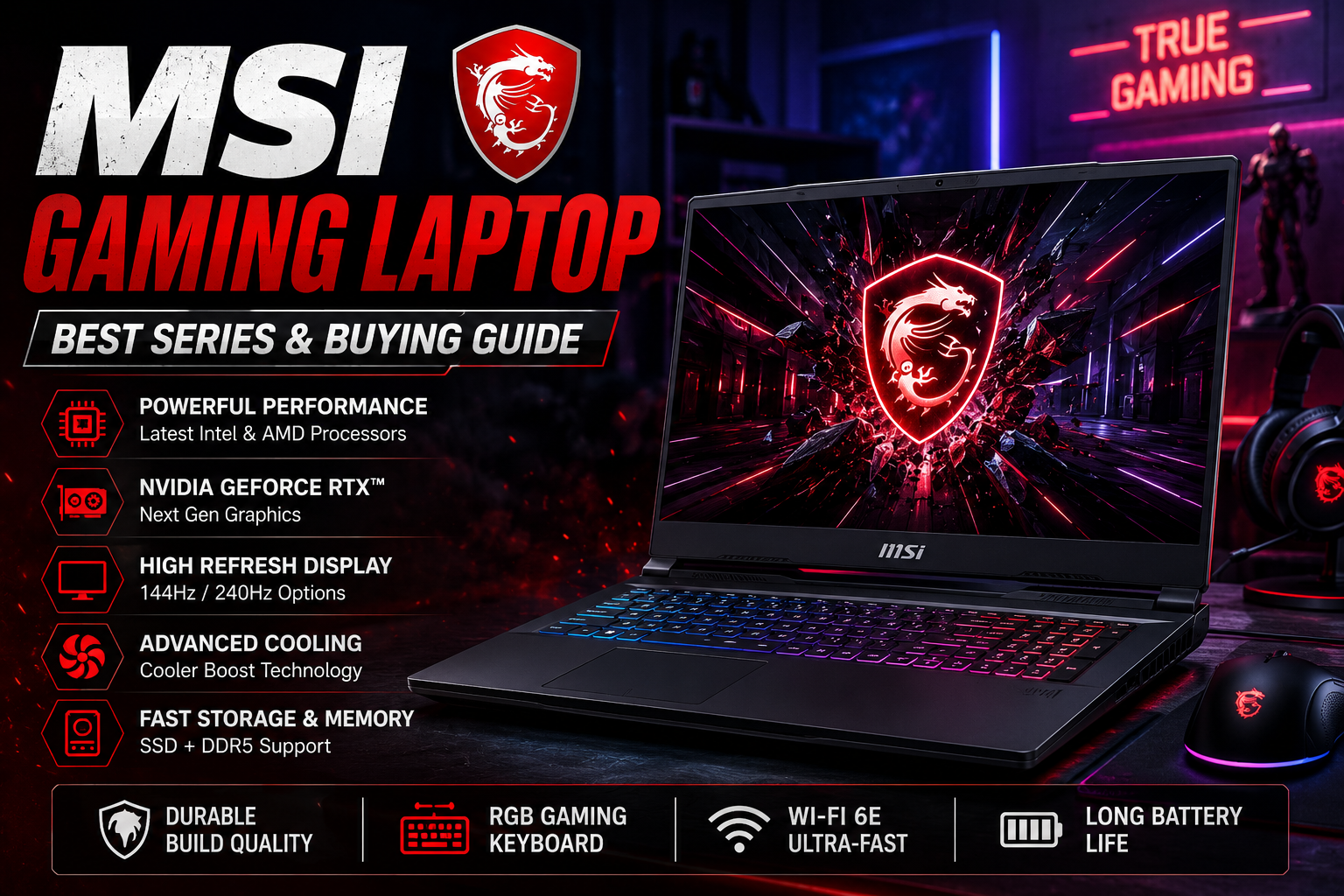
An MSI gaming laptop can range from a portable machine for everyday gaming to a high-end desktop replacement built for demanding titles and creative workloads. MSI currently offers several gaming families, including Titan, Raider, Stealth, Vector, Crosshair, and Cyborg, giving buyers very different combinations of performance, portability, display quality, and price.
Choosing the right model is less about finding the most expensive specification sheet and more about matching the hardware to the games and applications you actually use. A competitive gamer may value a fast display, while a creator who also games may prefer a higher-resolution screen, stronger processor, and more memory.
MSI Gaming Laptop Series Explained
MSI’s current lineup is organized around different types of users rather than one universal design. That makes the series name an important starting point when shopping.
The Titan and Raider families sit toward the performance-focused end of the range. They are designed for users who want powerful processors, high-end NVIDIA graphics, large displays, and extensive connectivity.
Stealth models take a different approach. They combine gaming hardware with a slimmer, more understated design, making them more suitable for people who also carry their laptop to school, work, meetings, or travel.
Vector models focus heavily on performance and are aimed at gamers who want substantial hardware without necessarily choosing the flagship styling of the top-tier machines. Crosshair models provide another performance-oriented option, while Cyborg models target buyers who want gaming capability in a more accessible package. MSI’s 2026 buying guide describes its lineup as covering everything from flagship systems to portable everyday gaming machines.
| MSI Series | Best Suited For | Main Strength |
|---|---|---|
| Titan | Enthusiasts | Maximum performance |
| Raider | High-end gamers | Powerful hardware and features |
| Stealth | Gamers on the move | Slimmer design |
| Vector | Performance-focused users | Strong gaming hardware |
| Crosshair | Mainstream performance gaming | Fast displays and capable GPUs |
| Cyborg | Budget-conscious gamers | More accessible gaming systems |
Choosing the Right GPU
The graphics processor is one of the most important components in an MSI Gaming Laptop because it has a major influence on gaming performance. Current MSI models include NVIDIA GeForce RTX 50 Series graphics at different performance levels, depending on the configuration.
For lighter gaming, an entry-level RTX configuration may be enough, particularly if you play esports titles at 1080p. Moving higher in the RTX range makes more sense for demanding AAA games, higher resolutions, ray tracing, and longer-term performance.
Do not judge a laptop solely by the GPU name. The exact laptop implementation matters because power limits, cooling, processor choice, memory, and display resolution all affect the overall experience.
A powerful GPU paired with a basic 1080p display can make sense for a competitive gamer, while someone playing visually demanding games at QHD may benefit from spending more on both graphics and the screen.
Display Quality Matters More Than You Might Expect
Gaming laptops are no longer limited to basic 60Hz panels. MSI’s current machines can include high-refresh-rate displays and, on selected models, higher-resolution or OLED screens. Current listings also show configurations reaching 240Hz, while premium machines can offer Mini LED displays.
A higher refresh rate can make motion look smoother and is particularly attractive for competitive games. Resolution, however, should be considered alongside the GPU. A QHD or higher-resolution panel requires more graphical horsepower than a standard Full HD screen when running games at native resolution.
For general gaming, 144Hz is already a substantial step up from 60Hz. Competitive players may want 240Hz or higher, provided the laptop’s hardware can produce frame rates that take advantage of it.
Don’t Ignore the Processor
The CPU handles game logic, background applications, productivity work, and many creator tasks. MSI’s 2026 lineup includes current Intel and AMD processor configurations, with higher-end models designed for demanding workloads.
A balanced system is preferable to spending heavily on one component while leaving another underpowered. For example, a high-end GPU paired with insufficient memory or weak cooling can prevent the system from delivering its full potential.
RAM, Storage, and Cooling
For a modern gaming machine, 16GB of RAM is a sensible baseline for many users, while 32GB can be worthwhile for heavier multitasking, demanding games, content creation, and longer-term flexibility.
SSD storage is another practical consideration. A 1TB SSD provides considerably more breathing room than a 512GB drive once several large games, applications, and personal files are installed. Some current MSI configurations go considerably beyond 1TB.
Cooling deserves equal attention. Gaming laptops generate significant heat under sustained loads, and MSI highlights enhanced thermal designs across its refreshed 2026 gaming machines.
💡 Pro Tip: Compare the complete configuration rather than the model name. Two laptops carrying the same series branding can have different processors, GPUs, RAM, SSD capacities, displays, and power configurations. Always check the exact model number before purchasing.
How Much Should You Spend?
There is no single price that makes an MSI Gaming Laptop the right choice. Current US listings demonstrate a wide spread, from relatively affordable systems to premium machines costing several thousand dollars.
A lower-priced configuration can be attractive for 1080p gaming and everyday use. Mid-range systems are generally more interesting for buyers who want stronger graphics and a faster display without entering flagship pricing.
Premium Titan and Raider configurations make more sense when maximum performance, large high-quality displays, extensive connectivity, and high-end components matter more than portability or budget.
The key is to spend according to your target resolution and games. Paying extra for hardware you will rarely use is not necessarily better value.
MSI Gaming Laptop Buying Checklist
Before ordering, check these details:
- Exact CPU and GPU model
- GPU power configuration where available
- Display resolution and refresh rate
- RAM capacity and upgrade options
- SSD capacity and expansion options
- Battery capacity and expected portability
- Cooling design and ventilation
- Port selection
- Weight and charger size
- Warranty and regional support
This checklist is particularly useful when comparing several configurations that look almost identical in retailer listings.
Are MSI Gaming Laptops Good for More Than Gaming?
Yes. The stronger configurations can also handle demanding productivity and creative workloads. A fast processor, dedicated GPU, substantial RAM, and SSD storage can make these machines useful for video editing, 3D work, software development, photo editing, and other intensive applications.
The trade-off is portability. High-performance gaming laptops are typically heavier and use larger power adapters than ordinary productivity notebooks. Slimmer Stealth models are designed to address some of that compromise, while performance-focused systems prioritize cooling and hardware capability.
📌 Key Takeaway: The best MSI Gaming Laptop is the one that balances GPU performance, CPU capability, display quality, memory, storage, cooling, and portability for your actual workload. Start with the games you play and the resolution you want, then choose the series and configuration that fits those requirements.
Frequently Asked Questions
Which MSI gaming laptop series is best?
There is no universal winner. Titan and Raider are aimed at buyers seeking very high performance, Stealth emphasizes a slimmer form factor, Vector focuses on performance, and Crosshair and Cyborg target different points in the broader gaming market. The right series depends on budget, games, portability, and desired display.
Is an MSI Gaming Laptop good for school or work?
Many models can handle school and office tasks easily, but portability varies considerably. A slimmer Stealth model may be more convenient for carrying every day, while larger performance systems can be better suited to users who prioritize gaming and demanding applications over low weight.
How much RAM should a gaming laptop have?
16GB is a practical starting point for many modern gaming systems. Buyers who frequently multitask, edit video, use demanding creative software, or want additional headroom may prefer 32GB. Always check whether the specific laptop supports memory upgrades before making a decision.
Is a 144Hz display enough for gaming?
For many gamers, yes. A 144Hz panel provides noticeably smoother motion than a standard 60Hz display and is suitable for a wide range of games. Competitive players may prefer 240Hz or higher, but the benefit depends on whether the laptop can consistently deliver sufficiently high frame rates.
Should I buy an expensive gaming laptop?
Only if its additional performance and features match your needs. A flagship model can provide substantial hardware, but a less expensive configuration may offer better value for someone who mainly plays esports titles or games at 1080p. Compare the complete specification rather than choosing purely by series name.
Final Thoughts
An MSI Gaming Laptop gives buyers plenty of room to choose between portability, price, display quality, and raw performance. MSI’s 2026 lineup ranges from accessible gaming machines to premium systems designed for demanding users.
The smartest purchase is not automatically the most powerful one. Match the GPU to your preferred resolution, choose enough RAM and storage for your workload, pay attention to the display and cooling system, and verify the exact configuration before checkout. That approach makes it much easier to find an MSI Gaming Laptop that delivers useful performance without paying for specifications you do not need.
