
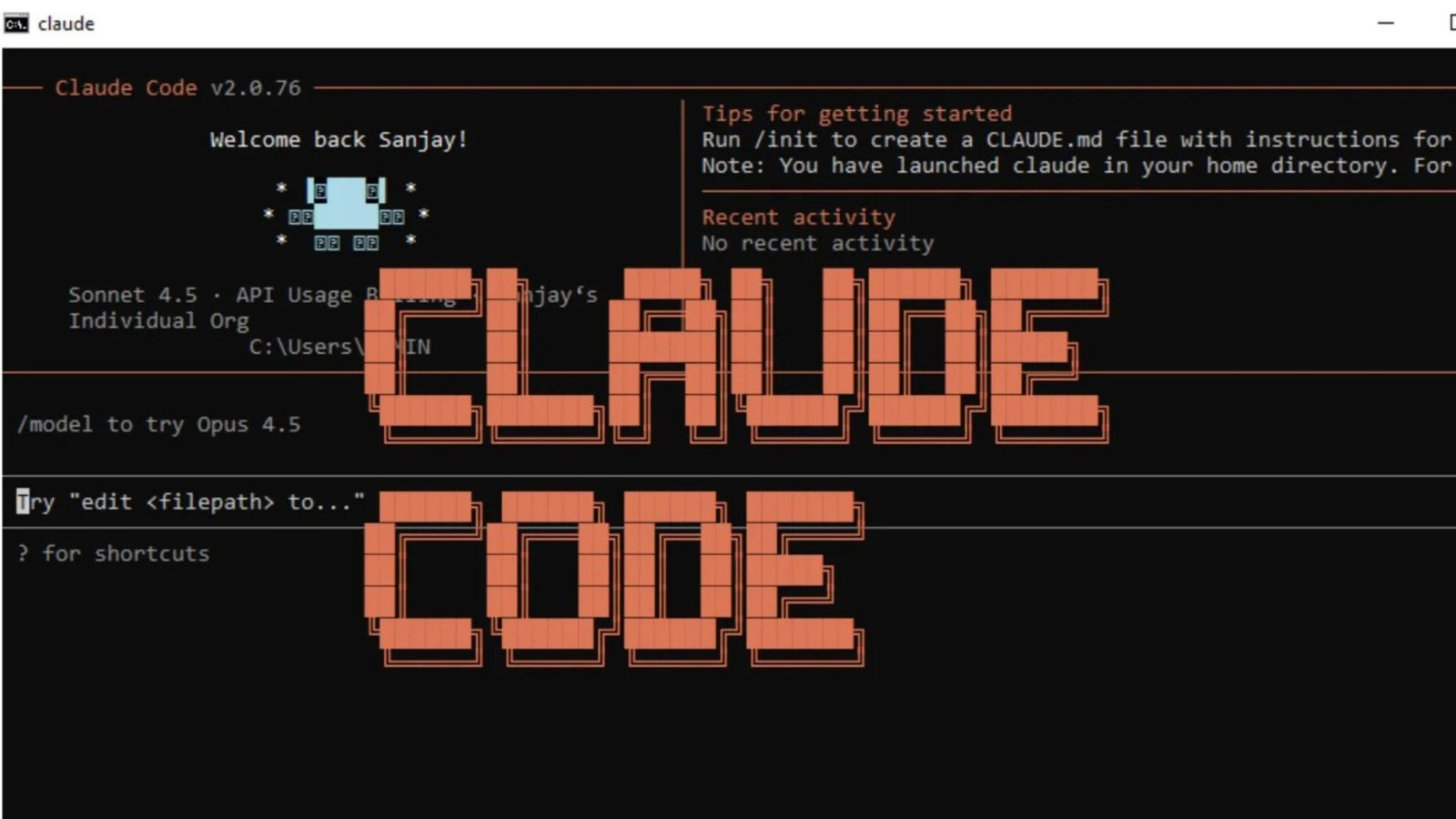
Claude Code is Anthropic’s agentic coding tool designed to work directly with a developer’s codebase. Instead of limiting AI assistance to generating snippets in a chat window, it can inspect files, make changes, run commands, execute tests, and help with Git workflows. That makes it particularly useful for developers working on real projects rather than isolated coding questions.
The tool can be used from a terminal and integrated with development environments such as VS Code and JetBrains. Anthropic also supports access through web, desktop, mobile, GitHub, and Slack, giving developers more flexibility over where they supervise coding tasks.
What Is Claude Code?
At its core, Claude Code is an AI coding agent that can reason about a software project and interact with the tools surrounding it. You can ask it to investigate a bug, explain unfamiliar code, implement a feature, write tests, or refactor several related files.
The distinction from a traditional coding chatbot is the ability to work with the project itself. Rather than simply returning suggested code, it can inspect the repository, modify files, run relevant commands, and help verify whether the changes work.
It also supports command-line workflows and Model Context Protocol (MCP) integrations, allowing developers to connect additional tools and services to their coding environment.
What Can Claude Code Do?
The most useful applications are generally tasks where understanding the surrounding code matters.
Bug investigation: Give it an error message or describe unexpected behavior and ask it to trace the relevant code. It can inspect files and use available development tools while investigating.
Feature development: Developers can describe a feature in natural language and ask the agent to identify the files involved, propose an approach, implement the changes, and run tests.
Refactoring: Large refactors often require changes across multiple files. An agent that can inspect the project structure can help coordinate those edits instead of treating every file independently.
Testing: Claude Code can create or modify tests and run available test commands. This is particularly useful after making changes because the developer can ask the agent to verify its work.
Git workflows: The tool can work with Git and assist with tasks such as reviewing changes, creating commits, and preparing work for a repository workflow.
| Task | How an AI coding agent can help | Developer should still review |
|---|---|---|
| Bug fixing | Investigate errors, edit code, run tests | Root cause and final behavior |
| New features | Plan and implement related changes | Architecture and requirements |
| Refactoring | Modify multiple connected files | Regression risks |
| Testing | Generate or update tests and execute them | Test quality and coverage |
| Git work | Review changes and assist with commits | Final diff and commit history |
How to Install Claude Code
Installation depends on your operating system. Anthropic currently recommends its native installation methods rather than relying on the older npm installation route. On macOS and Linux, the recommended installer is available through Anthropic’s installation command. Windows users can use the PowerShell installer or WinGet.
Once installed, open a terminal, move into the project directory, and launch the claude command. Authentication can be handled through an Anthropic Console account or eligible Claude subscriptions, while enterprise users can also configure supported cloud environments such as Amazon Bedrock or Google Vertex AI.
The exact installation process can change as Anthropic updates the product, so developers should check the current official documentation before setting up a new machine.
Claude Code Pricing and Access
Access depends on how the product is being used. Anthropic states that Claude Code is included with eligible Claude Pro, Max, Team, and Enterprise plans. Developers using a Claude Console account instead consume API tokens according to applicable API pricing.
Anthropic currently lists Pro, Max 5x, and Max 20x options for individual users, with usage limits applying to the subscription plans. Prices and available features can change, so the current Claude pricing page should be checked before choosing a plan.
For occasional coding assistance, a lower-tier subscription may be enough. Developers working continuously across larger repositories should pay closer attention to usage limits and model availability rather than choosing solely on the advertised monthly price.
💡 Pro Tip:
Before asking an AI agent to make a major change, ask it to inspect the repository and explain its proposed approach first. Reviewing the plan can reveal misunderstandings about architecture, dependencies, or existing conventions before files are modified.
Claude Code vs. Traditional AI Coding Assistants
The biggest difference is workflow. A conventional AI assistant often works best when you paste a function, error, or requirement into a conversation. Claude Code is designed around the repository, terminal, and development tools.
That makes it better suited to tasks such as “find why this test is failing across the project” or “implement this feature and run the relevant tests.” The agent can work through multiple steps instead of requiring the developer to manually move information between an editor, terminal, and AI chat.
It does not eliminate the need for programming knowledge, though. Developers still need to define requirements, review generated changes, understand security implications, and decide whether an implementation belongs in the project.
Security and Permissions
Giving an AI system access to source files and command-line tools introduces genuine security considerations. Claude Code operates locally in the developer’s environment and uses permission controls around potentially consequential actions. Anthropic has also introduced sandboxing features designed to isolate filesystem and network access while allowing more autonomous operation.
Developers should treat AI-generated changes like code written by another contributor: inspect diffs, run tests, protect secrets, and avoid granting unnecessary access.
This matters particularly in repositories containing credentials, deployment configurations, private customer information, or scripts capable of making destructive changes.
📌 Key Takeaway:
Claude Code is most valuable when used as a supervised engineering partner rather than an unquestioned code generator. Its ability to inspect a repository, modify files, execute commands, and verify changes can reduce repetitive work, but human review remains essential.
Frequently Asked Questions
Is Claude Code free?
Access depends on the account or subscription being used. Anthropic offers Claude Code through eligible Claude plans, while Console users are charged according to API usage. Subscription limits and pricing can change, so current plan details should be checked before deciding which option fits a particular workload.
Can Claude Code work with VS Code?
Yes. Anthropic provides a native VS Code extension, alongside integrations for JetBrains IDEs. Developers can therefore combine the agent’s project-level capabilities with an editor they already use rather than moving their entire workflow into a terminal.
Does Claude Code write and test code?
Yes. It can inspect a codebase, edit files, run commands, and execute available tests. The developer should still review both the implementation and test results because successful execution does not automatically mean that the software meets the intended requirements.
Can Claude Code use Git?
Yes. Git is one of the command-line tools it can work alongside, and Anthropic describes support for Git workflows as one of its core capabilities. Developers can use it for tasks such as reviewing changes and assisting with repository operations while retaining control over final decisions.
Is Claude Code suitable for beginners?
It can help beginners understand unfamiliar code and automate routine development tasks, but it is easier to use effectively when the developer understands basic programming, version control, and command-line concepts. Learning what the agent changed is more valuable than simply accepting its output.
Conclusion
Claude Code represents a shift from AI that merely suggests code toward an agent that can participate in the wider software-development workflow. Its ability to inspect repositories, edit multiple files, run tools, test changes, and integrate with existing developer environments makes it particularly useful for complex or repetitive engineering work.
The strongest results come from treating the tool as a capable assistant that needs direction and review. Used that way, Claude Code can take on substantial development tasks while leaving architectural judgment, security decisions, and final approval with the developer.

1 Comment
Pingback: Alexis Ortega: Life, Career, Spider-Man Voice and Legacy- ARK Augmented Reality