
Free AI tools have moved well beyond simple chatbots. Students use them to understand difficult subjects, marketers create content faster, developers troubleshoot code, and small businesses handle tasks that once required several different applications.
The catch is that “free” does not always mean unlimited. Many platforms provide a useful free tier with limits on messages, credits, searches, storage, or advanced features. The best free AI tools are therefore not necessarily the ones with the longest feature lists. They are the ones that give you meaningful capabilities without requiring an immediate subscription.
What Can Free AI Tools Do?
The range is surprisingly broad. Depending on the platform, you can use AI for writing, research, image creation, presentations, coding, transcription, grammar correction, brainstorming, data analysis, and everyday productivity.
Some tools are general-purpose assistants, while others are built around a particular job. A research-focused platform may be better for finding and checking sources, while a design application can be more useful for social media graphics or presentations.
For example, ChatGPT’s current free tier includes web search, file and image uploads, data analysis, GPTs, and image creation, although individual tools have separate usage limits.
Best Free AI Tools for Everyday Work
There is no single winner for every task. A better approach is to match the tool to the job.
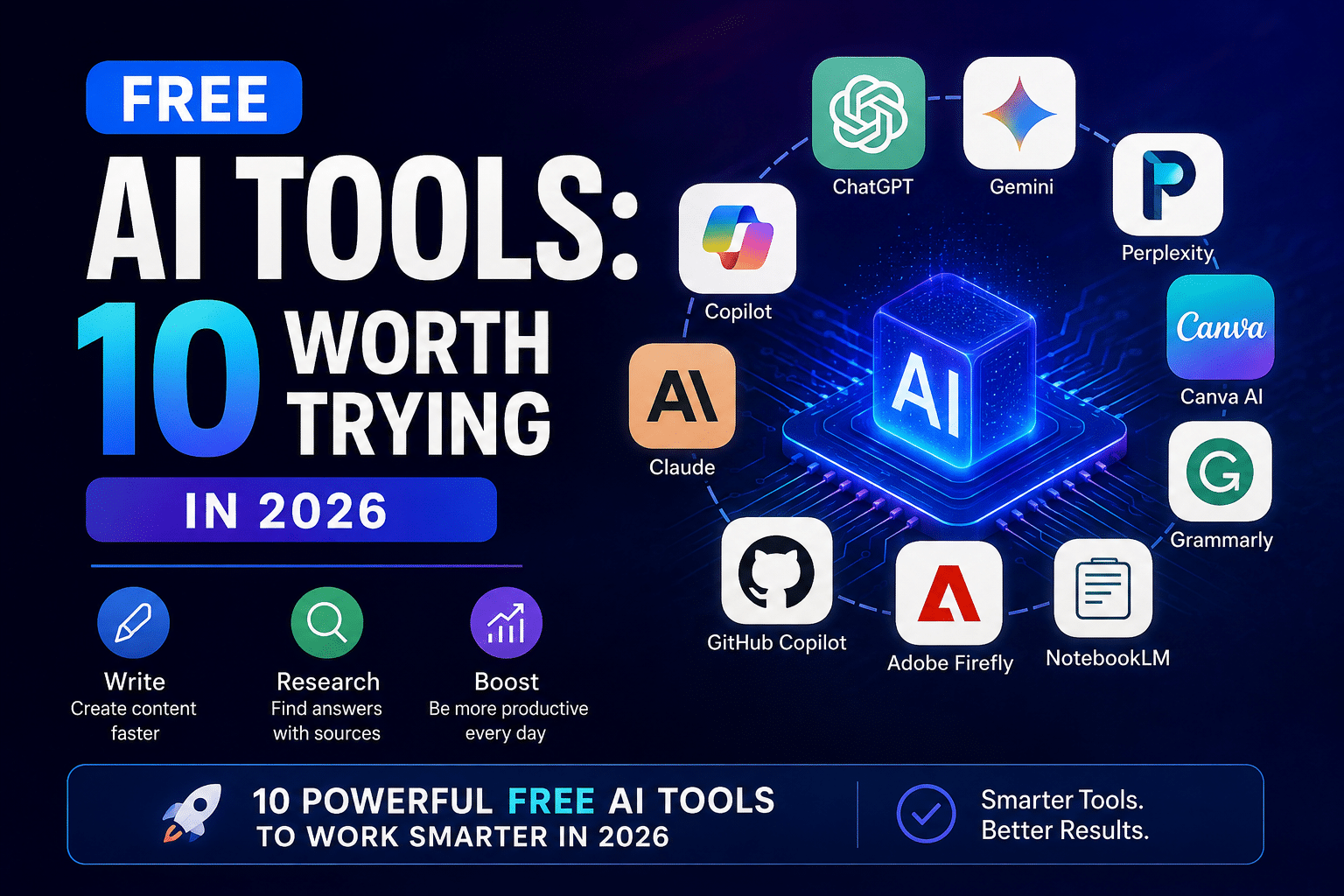
| Tool | Best For | Free Access | Good Starting Point For |
|---|---|---|---|
| ChatGPT | Writing, analysis, brainstorming | Yes, with limits | General productivity |
| Gemini | AI assistance and research | Yes, with usage limits | Google users |
| Perplexity | Web research | Yes | Source-backed answers |
| Canva AI | Design and creative work | Yes, limited | Social posts and graphics |
| Grammarly | Grammar and writing | Yes | Editing and proofreading |
| Microsoft Copilot | Everyday assistance | Free access available | Microsoft users |
| Claude | Writing and reasoning | Free tier available | Long-form work |
| GitHub Copilot | Coding assistance | Limited/free options vary | Developers |
| Adobe Firefly | Image and creative generation | Free credits/options | Visual content |
| NotebookLM | Working with source material | Free access available | Research and study |
Availability and limits can change, so check each service’s current plan before building a workflow around a specific feature.
1. ChatGPT
ChatGPT is one of the most flexible options for general-purpose work. You can use it to brainstorm ideas, rewrite text, explain concepts, analyze files, research topics, and generate images.
Its free plan is particularly useful for people who want one assistant rather than a collection of narrowly focused applications. The main limitation is usage: advanced features have their own limits, which can change over time.
2. Gemini
Google’s Gemini is another strong general-purpose assistant. It can help with questions, writing, planning, summarization, and other everyday tasks.
Google states that Gemini Apps use compute-based limits influenced by factors such as prompt complexity, model selection, feature usage, and conversation length. Limits refresh periodically, so free access should be viewed as an allowance rather than unlimited usage.
3. Perplexity
Perplexity is particularly useful when research matters. Its answers are designed around web sources and citations, making it easier to investigate a subject and follow the underlying references.
The free Standard plan provides core search capabilities, practically unlimited basic searches, limited Pro Searches, and limited file uploads. Advanced models and higher limits are reserved for paid plans.
That makes it a useful companion for students, writers, researchers, and anyone who wants to verify information rather than rely solely on an AI-generated response.
4. Canva AI
Canva is a practical choice for people who need visual content but do not have advanced design skills. Its AI features can assist with designs, images, writing, videos, and other creative tasks.
Canva confirms that AI features are available on its Free plan, although usage is limited. Its current UK pricing information lists separate allowances for Standard and Premium AI tools.
That makes Canva especially useful for presentations, blog graphics, thumbnails, social media posts, and simple marketing materials.
💡 Pro Tip: Don’t judge an AI design tool only by the quality of its first generation. The ability to edit, resize, replace individual elements, and maintain consistent branding can matter more than producing one impressive image.
5. Grammarly
Grammarly remains useful for people who already have the ideas but want cleaner writing. Its free plan includes spelling and grammar assistance, tone-related feedback, and a limited number of AI prompts.
It is most valuable as an editing layer rather than a replacement for thoughtful writing. A human should still check facts, meaning, tone, and context.
How to Choose the Right AI Tool
Choosing among free AI tools becomes easier when you start with the task rather than the brand.
Ask yourself:
- Do I need research with sources?
- Am I creating written content?
- Do I need images or graphics?
- Will I upload private documents?
- How often will I use the tool?
- Are the free limits sufficient?
- Can I export the finished work easily?
- Does the platform allow my intended commercial use?
Privacy deserves particular attention. Don’t upload confidential customer information, passwords, private business records, or sensitive documents simply because an application accepts file uploads.
Commercial usage can also have conditions. For example, Canva says AI-generated designs can be used for personal or commercial projects subject to its terms, while warning that AI output may not provide exclusive rights and that users remain responsible for checking whether additional permissions are needed.
Are Free AI Tools Good Enough for Professional Work?
Sometimes, yes. A free tool can be perfectly adequate for brainstorming, proofreading, basic research, simple graphics, or occasional coding assistance.
The limitation usually appears with volume and advanced features. A person generating several hundred images, conducting extensive research every day, or processing large numbers of documents may quickly encounter usage caps.
For professional work, reliability matters as much as capability. A free application that stops you halfway through an important task may be less useful than a reasonably priced service with predictable limits.
The smartest approach is to test a tool with real tasks before paying. Keep notes on output quality, speed, limits, export options, privacy controls, and how much editing the result requires.
Common Mistakes to Avoid
AI can save time, but poor workflows can create more work later.
One common mistake is accepting generated information without verification. AI systems can produce confident but incorrect answers, especially when a question involves current events, technical details, laws, prices, or rapidly changing products.
Another mistake is using five applications when one would do. Constantly moving text, files, and prompts between platforms can reduce productivity.
It is also worth checking the terms of any tool used for business purposes. Free access may come with restrictions around commercial usage, content ownership, storage, or data handling.
📌 Key Takeaway: The most useful free AI tools are the ones that solve a specific problem reliably within their free limits. Start with your workflow, test a few options, and only pay when a limitation genuinely affects your work.
Frequently Asked Questions
What are free AI tools?
They are AI-powered applications or services that provide some functionality without requiring a paid subscription. Free access can include writing assistance, research, image generation, coding, design, or productivity features. Most services place limits on usage, advanced models, credits, storage, or premium capabilities.
Are free AI tools really free?
Usually, they offer a free tier rather than unlimited access. A provider may restrict the number of requests, image generations, searches, or advanced features available during a given period. Always check the current plan details because limits and included features can change.
Which AI tool is best for research?
Perplexity is a strong option for research because its answers include citations and are built around web sources. However, important claims should still be checked against the original source, particularly for medical, financial, legal, or other high-stakes information.
Can I use free AI tools for business?
Many can be used for business tasks, but commercial rights and terms vary by provider. Check the service’s current terms before using generated material commercially. Canva, for example, permits commercial use of AI-generated designs subject to its applicable terms and responsibilities.
Do free AI tools replace human workers?
They are better viewed as productivity assistants than universal replacements. AI can automate repetitive tasks and accelerate drafting, research, design, and analysis, but people still need to provide judgment, verify important information, make decisions, and take responsibility for the final result.
Conclusion
The growing selection of free AI tools gives individuals access to capabilities that once required expensive software or specialist knowledge. The real advantage comes from choosing tools based on actual needs rather than collecting as many AI apps as possible.
Start with one general assistant, add a research or design tool if necessary, and pay attention to usage limits and privacy. With the right combination, free AI tools can become a practical part of a student’s study routine, a creator’s workflow, or a small business’s daily operations.
